About trustvine
A private social network where trust comes first. Every feature below is live and working — click through to explore it in the app.
Trust-based invitations & moderation
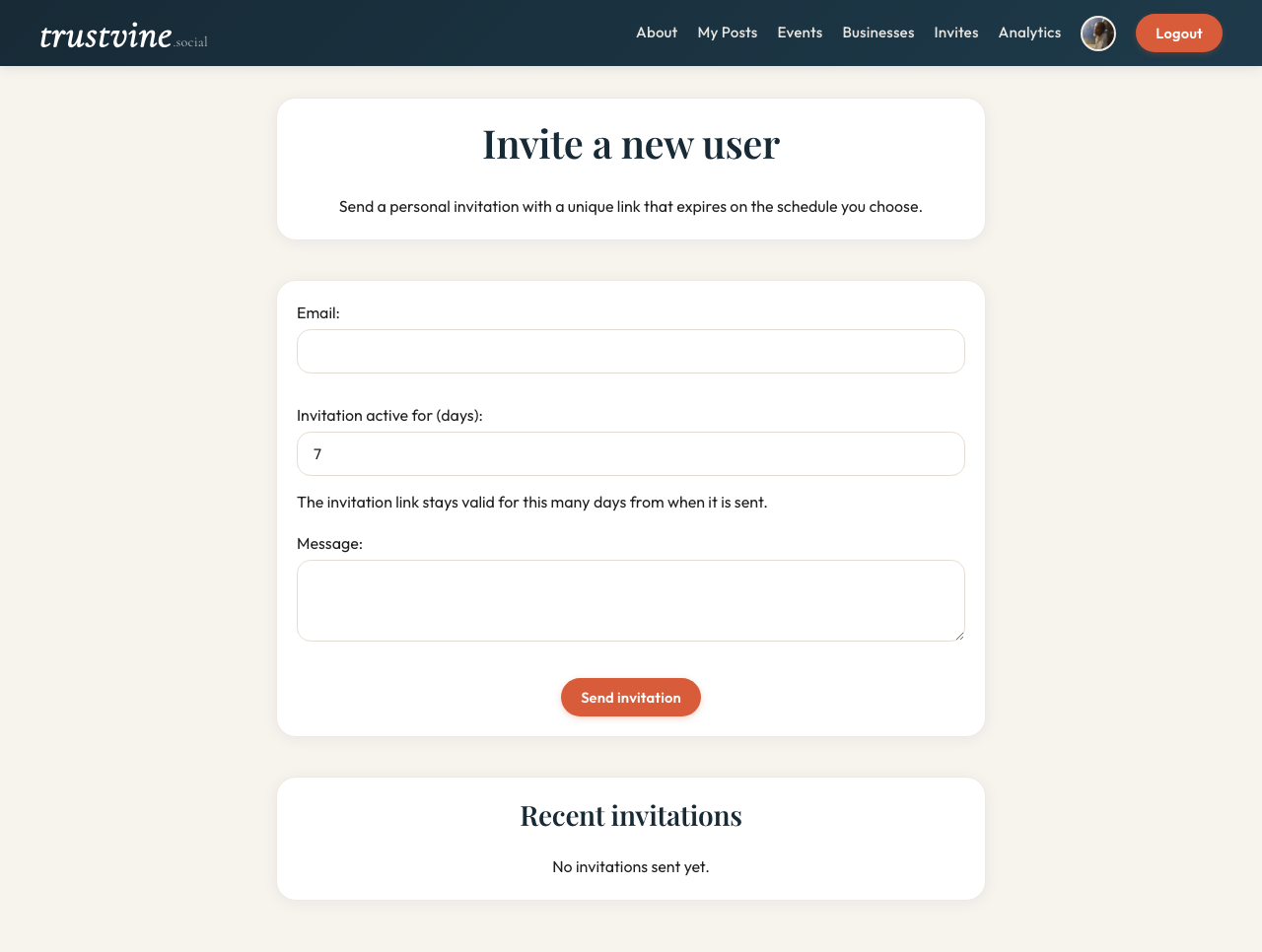
Every member joins via a personal invitation from someone already on the platform. This single rule eliminates anonymous accounts and ensures every person is accountable through their trust chain.
Invitations carry metadata: who invited whom, when, and from which trust source. Members can raise reports on posts, comments, profiles, or businesses. Moderators act with full visibility into the trust path of everyone involved.
Individual & business profiles
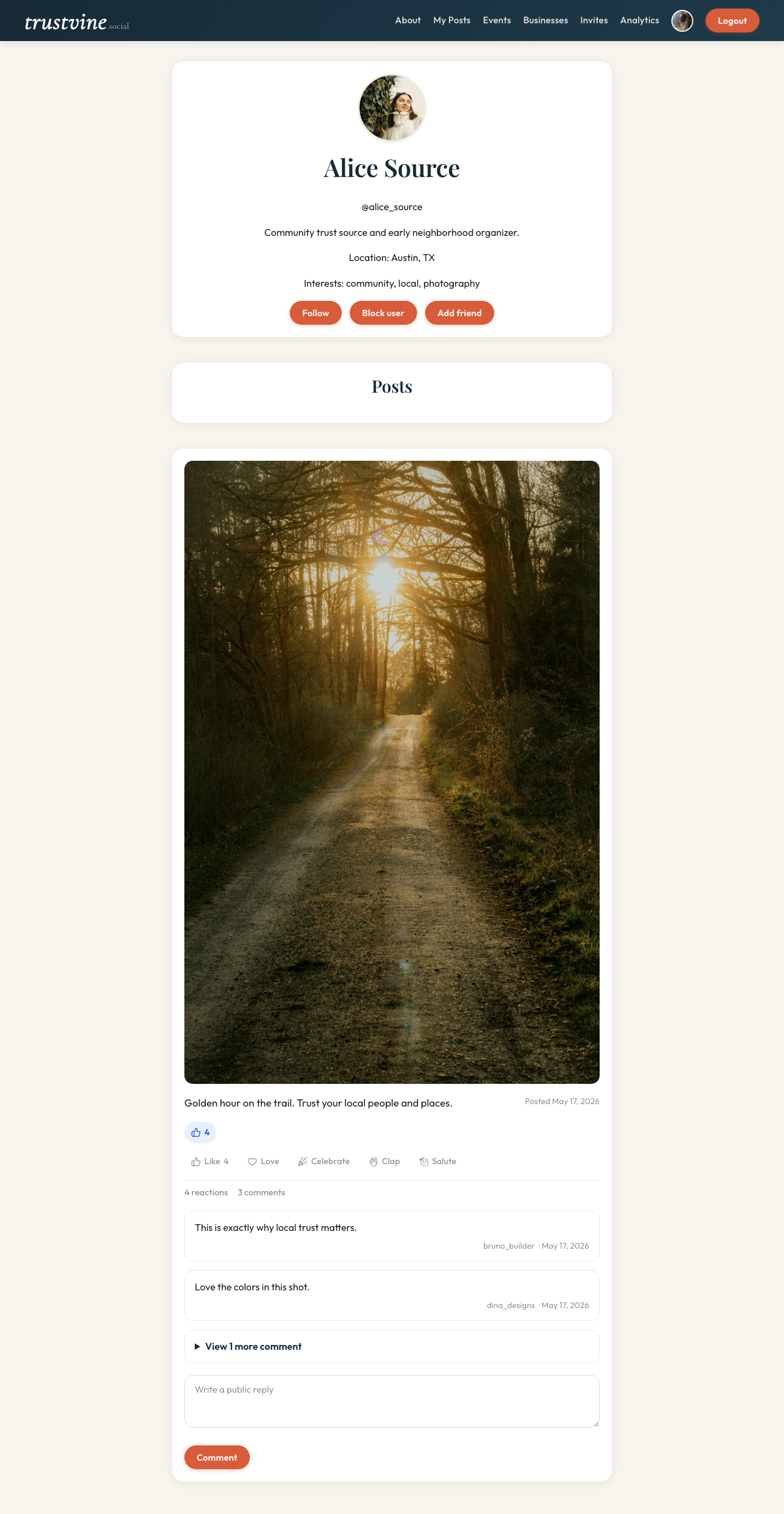
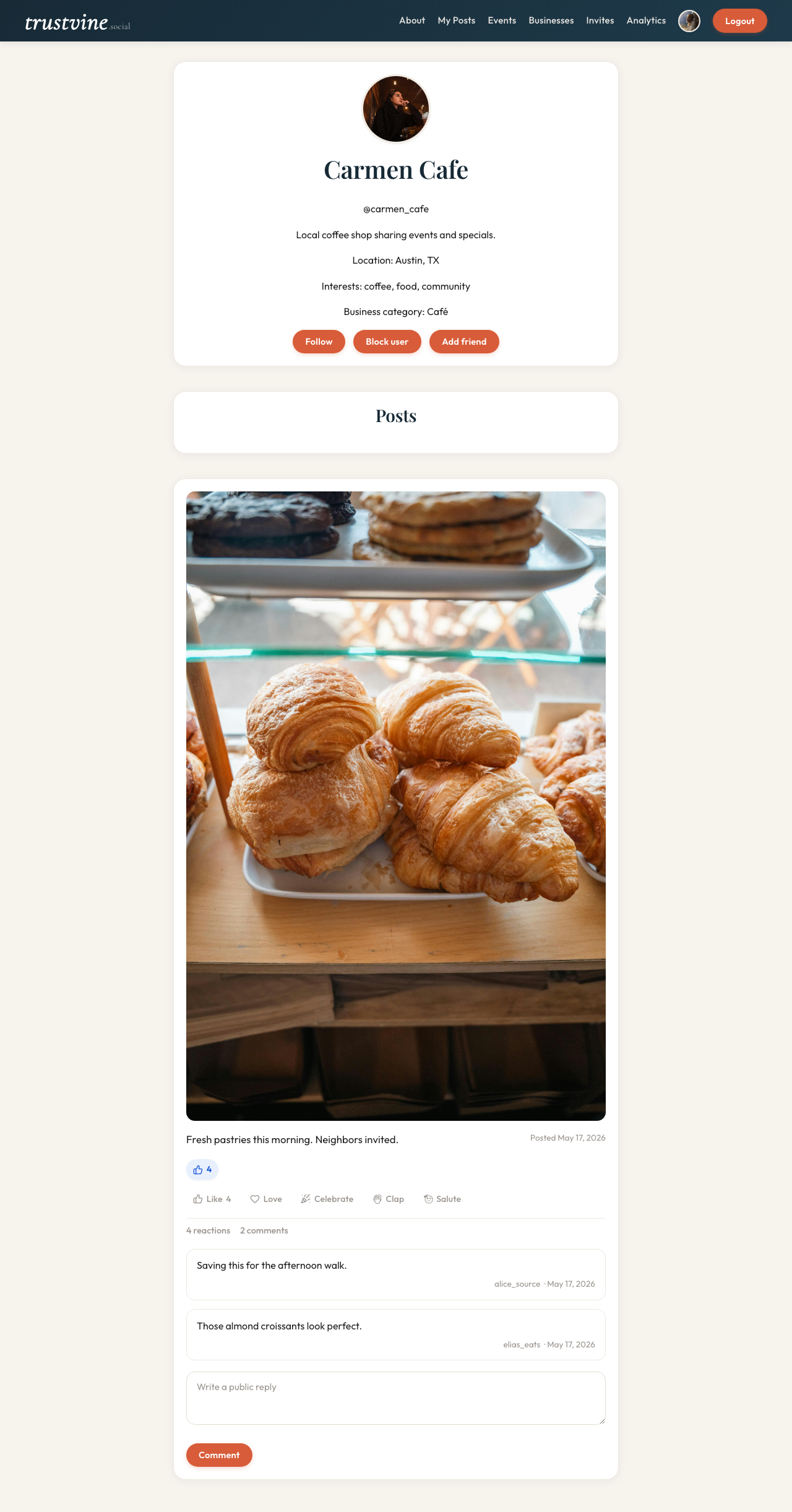
Personal profiles show bio, location, interests, follower/following counts, and a trusted activity feed. Business profiles add a category badge, contact info, and a reviews section so local customers can post verified opinions.
Both profile types are only visible to authenticated members, keeping the directory private to the trusted community.
Communities
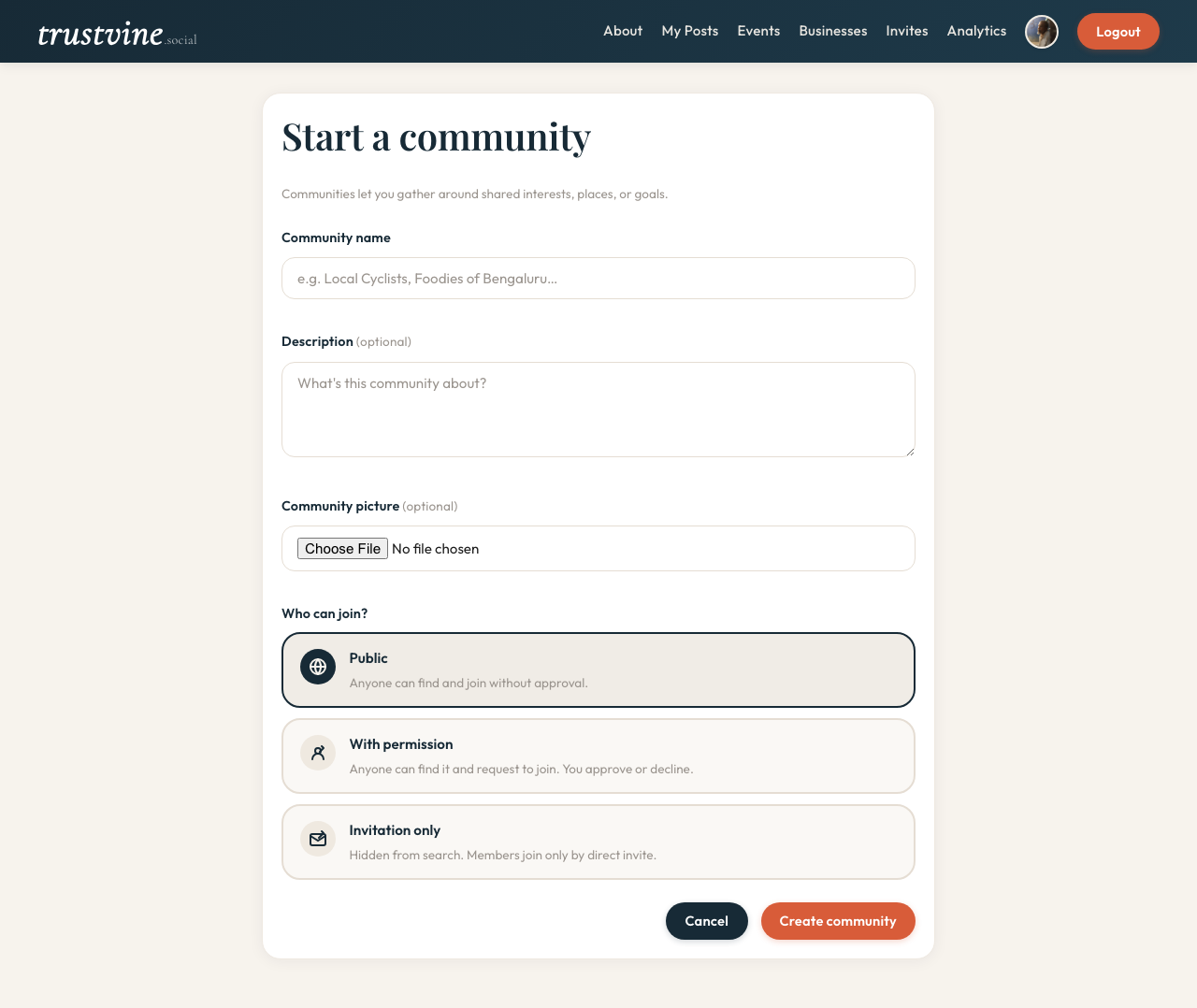
Communities let members organize around neighborhoods, shared interests, or local causes. Owners choose open, permissioned, or invite-only membership. Members can post inside the community scope and keep discussions with the right group of people.
Communities can host their own events, making them a natural hub for local coordination.
Events lifecycle
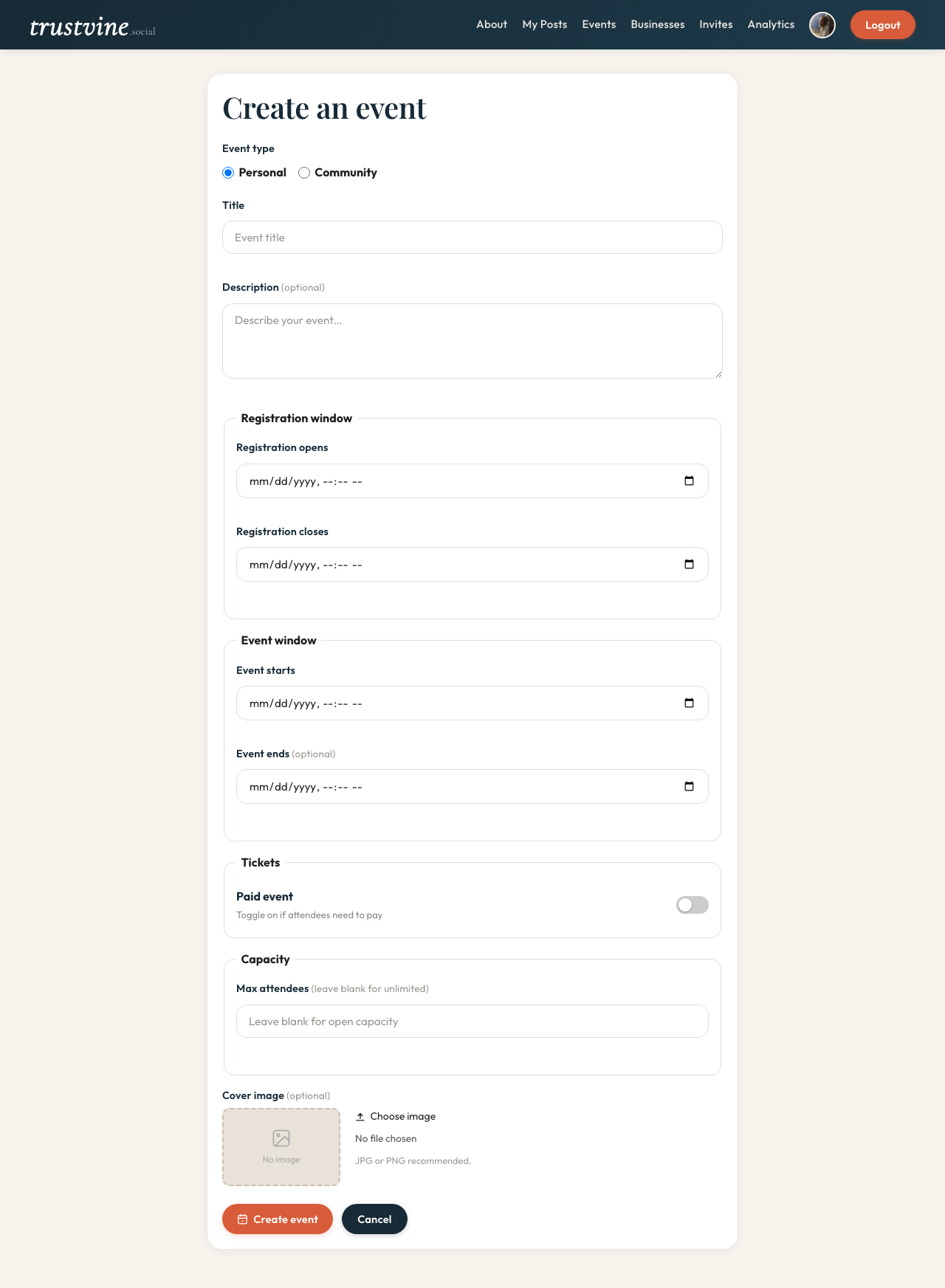
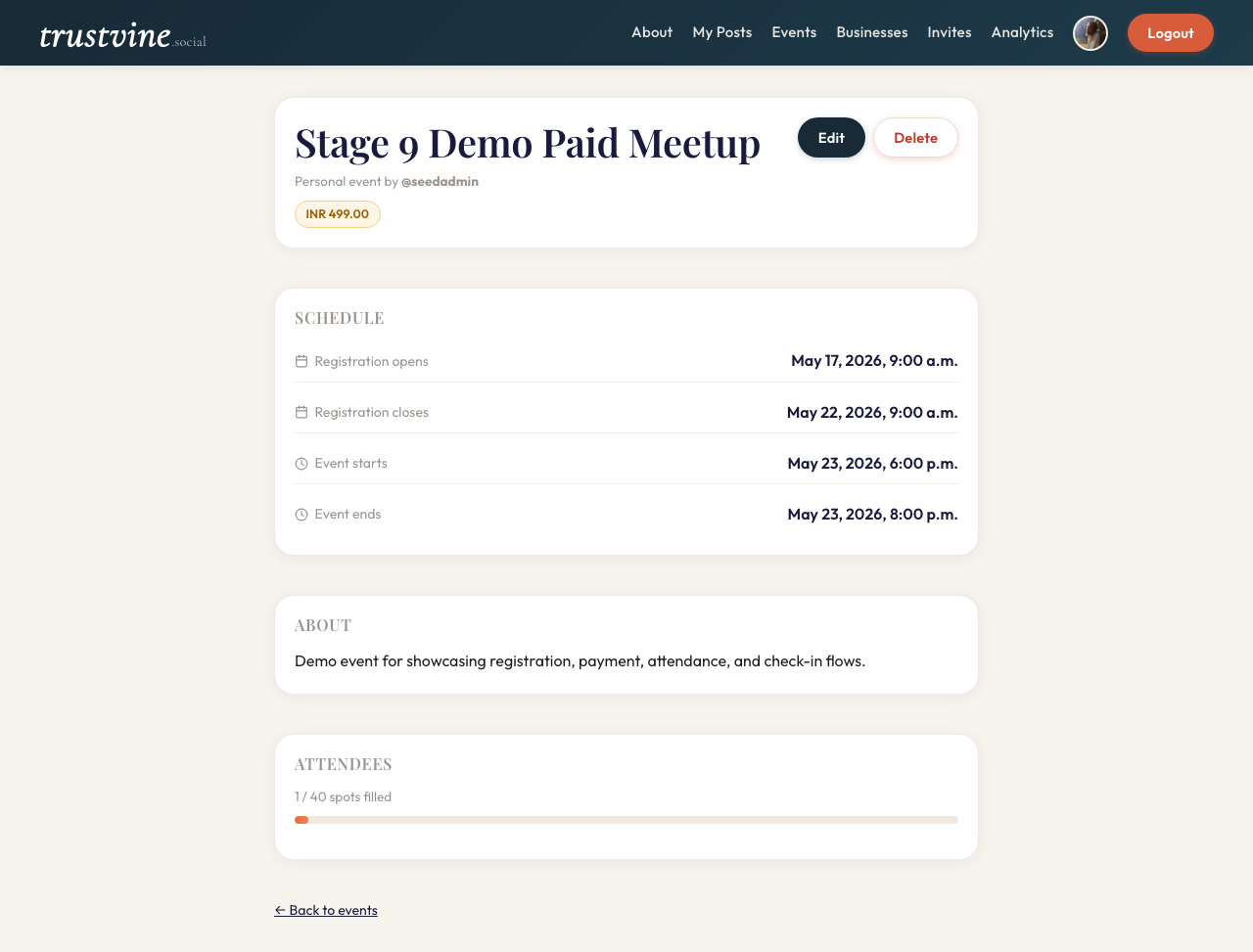
Events move through a complete lifecycle: creation → registration → attendance → check-in. Organizers can set capacity limits, registration windows, and mark events as free or paid. The payment flag drives the registration state machine so organizers know who has paid before the door opens.
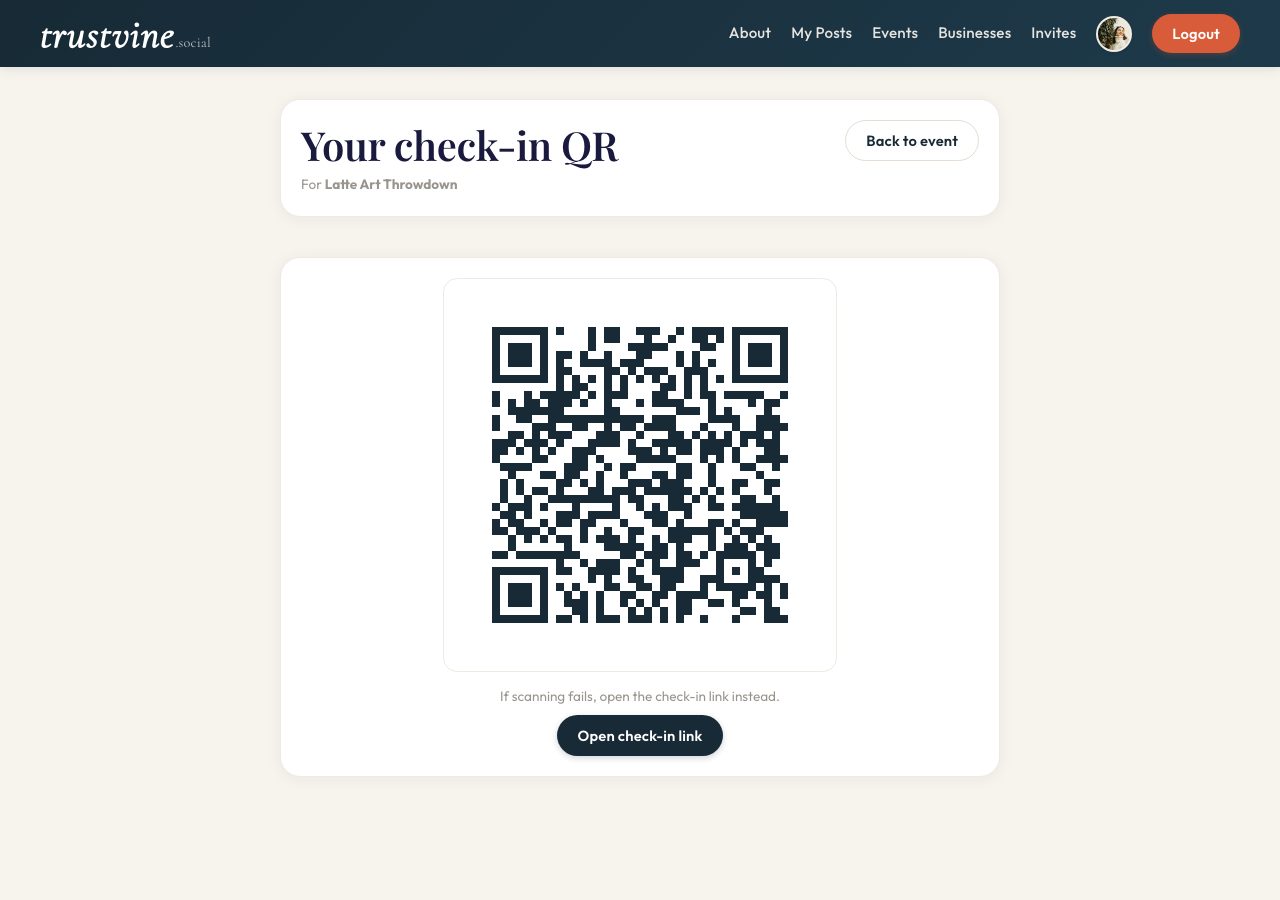
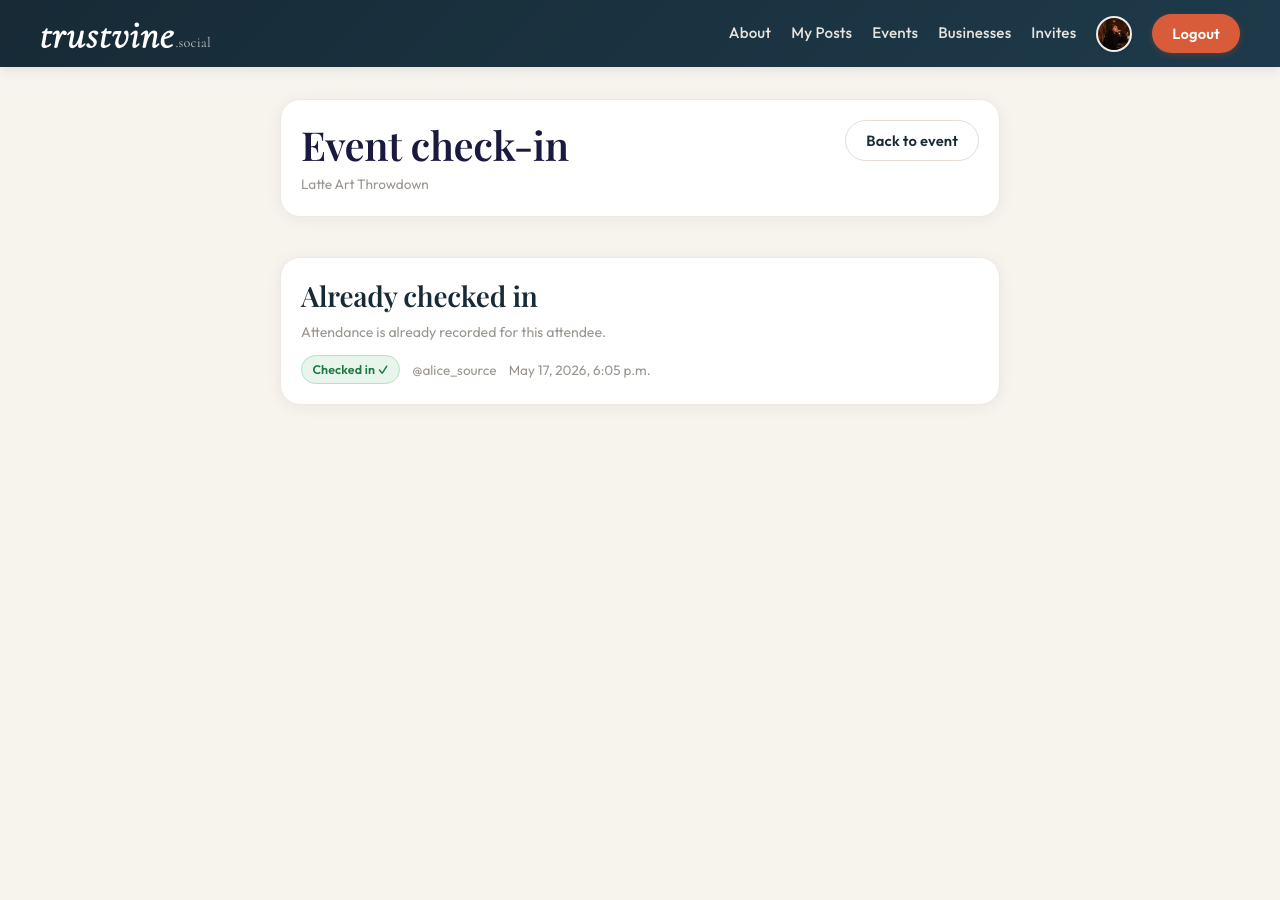
On the day, organizers use a per-attendee QR scan screen to check guests in. Attendance is recorded automatically and visible to the organizer in real time.